Commonplace Book System with Obsidian
I've been utilizing Obsidian to capture ideas from my studies, and in this article I outline some of my process and takeaways from my system.
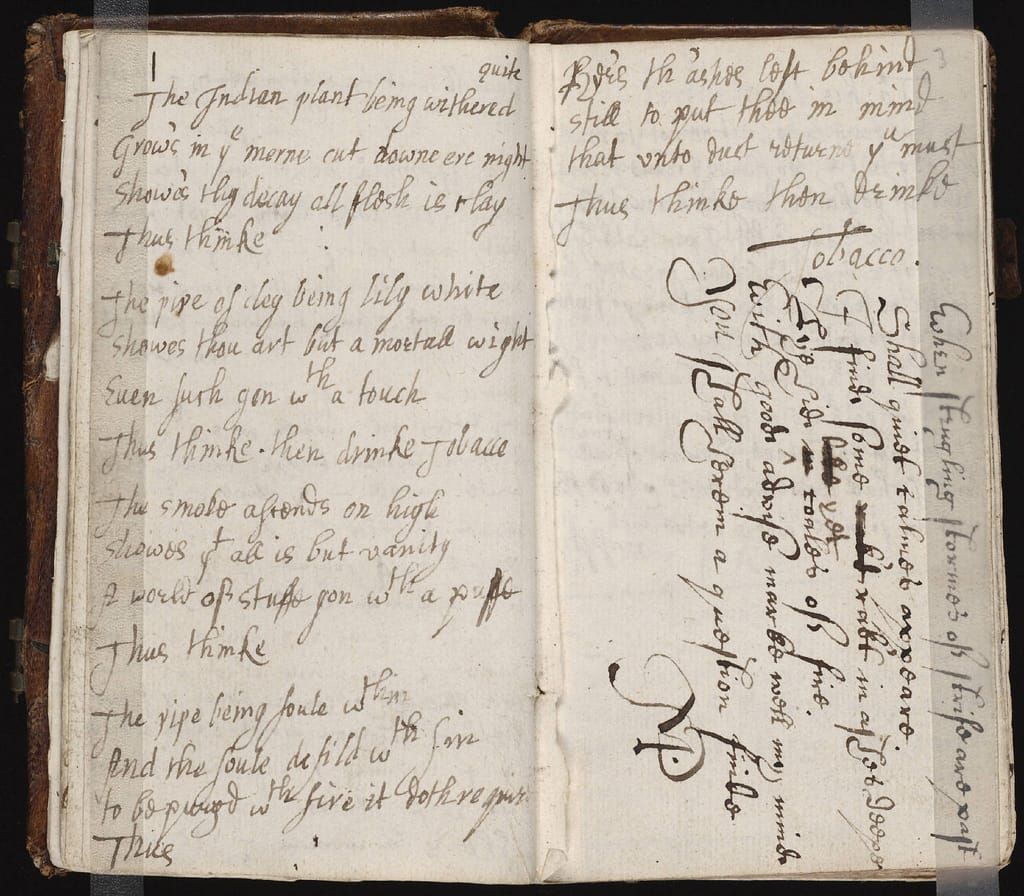

For those that are not familiar, a commonplace book is simply a journal that catalogs external experiences rather than internal ones. Think of it as a place where you capture ideas and concepts you encounter as you engage with external material. This differs from a journal where you are engaging with your own thoughts.

I Started on Paper
While I'm currently using Obsidian, in the past I utilized paper notebooks for my commonplace books. However, there were a few problems that I ran into with my paper notebooks.
- Access
With a paper notebook, sometimes I would forget it at home and encounter something that I wanted to note. - Search
Sometimes I would know I had a quote or note in my book, but there was not a quick way to access that information. - Vulnerability
My notebook was particularly vulnerable. I was one spill or misplacement away from losing all of my notes.

Moving to Obsidian
There are lots of note taking apps out there, and I've tried many of them over the years. I chose to use Obsidian for a couple of reasons. First let me explain why I chose to go digital. I think handwritten notes are the best, but I don't always have a pen and notebook with me. Now my phone rarely is far away, which means that I'm more likely to have it available to take down an idea. Furthermore, I can access the same notes from anywhere thanks to syncing with the cloud.
Benefits of a Obsidian
- Plain Text
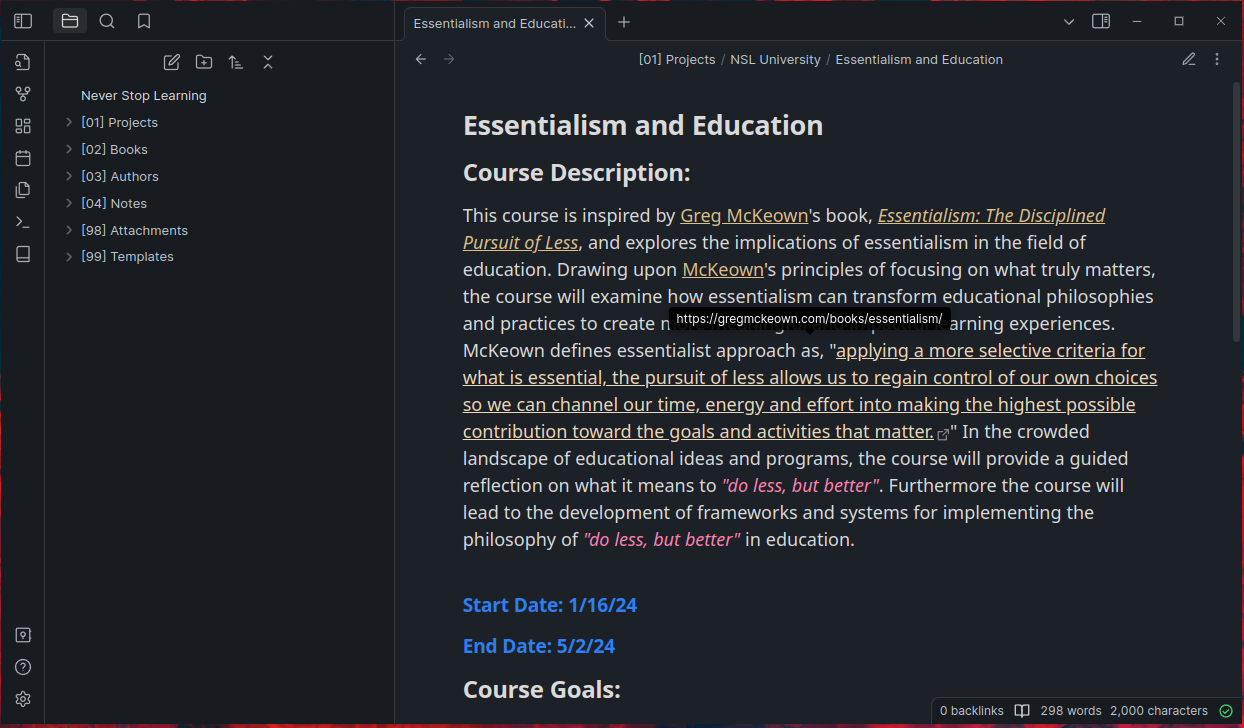
Obsidian stores everything as markdown files in the file system's directories. This means that should Obsidian stop being actively developed, all my notes are stored in plain text formats that are easily backed up and opened without needing any special software. This makes it more likely to survive changes to software and technology. - Links and Search
All notes can have links created between notes. These links can be visualized and explored. Additionally, search is nearly instantaneous. The quote that was on the tip of your tongue is easy to locate with only a partial phrase remembered. - Backups
Obsidian not only has remote backup features, it stores all your notes in plain text Markdown. This means that should Obsidian ever stop being supported, all your intellectual property is instantly accessible without the need to export.
Using My iPhone to Capture Quotes
A lot of my notes from books take the form of quotes. I used to manually write these out, but when the iPhone incorporated Live Text I found it much easier to capture quotes using my phone. I'm sure there is an Android equivalent of this feature, but I'm just not familiar with it.
Final Thoughts
There are lots of reasons to go digital with your notebooks. I continue to experiment with new ways of organizing and storing my notes. The great thing about them being digital is that they are very malleable. I can quickly re-structure my notes and utilize plug-ins to enhance my existing notes. I'd highly recommend giving Obsidian a try.